
Sense check
Neurodivergent people experience events differently. Bruce Rose, head of audience at Live Group, reveals how neurotypical event planners can support them.


PH: How can in-person events better cater to neurodivergent individuals?
BR: The first thing most organisers can do is solicit feedback on their offering and action change. Events should be inclusive and collaborative, enable people to have their say and see the change their voice has affected. This is critical to bringing people on board.
The good news is catering for the neurodivergent better doesn’t mean revolutionising the event offering – it simply means being caring and considerate for the full spectrum of attendees and offering options rather than a one-size-fits-most solution.

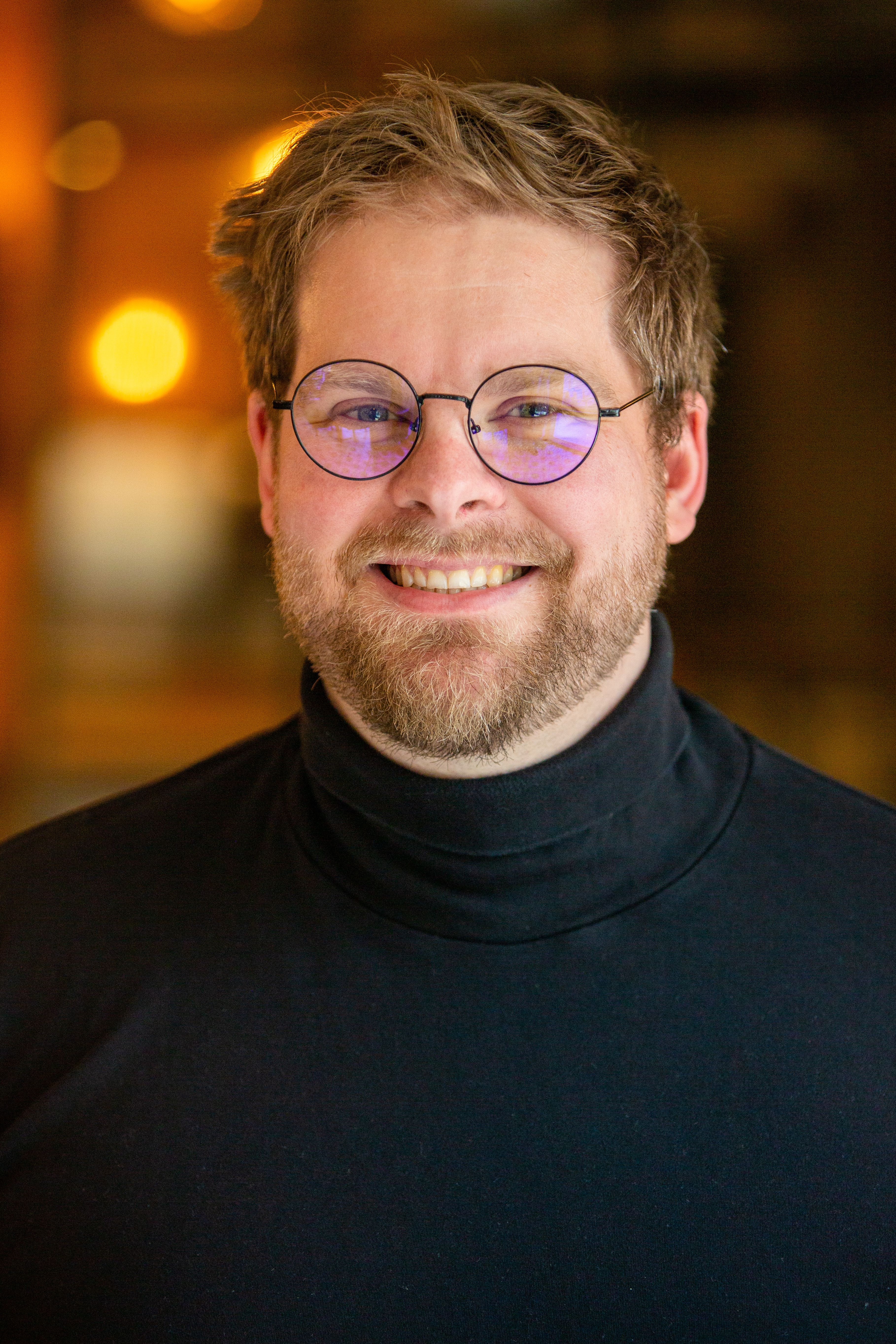
Bruce Rose
Bruce Rose
Sensory room
Providing a sensory-friendly space where attendees can retreat to in case of sensory overload can be helpful and simple to organise, but it can often be overlooked by planners. It should be a quiet calm space with dimmed lights and comfortable seating.
Clear comms
Clear communication strategies can help people who struggle with social interactions, so why not offer attendees the choice of receiving typical event comms or ‘simple English’ versions. This is an interesting point and, of course, good accessible design benefits everybody. However, delegate comms can be wrapped up in marketing talk and use exciting words or similar, which are lovely but not suitable for the neurodivergent
Event organisers should consider the following guidance:
1. Use clear and concise language, avoiding complex words or phrases.
2. Break up information into small, manageable chunks – no huge paragraphs!
3. Use visual aids to explain certain concepts.
4. Focus on one or two follow-on actions that you need the audience to take, don’t overload them.
5. Don’t expect an immediate response – allow processing time.




Buddy up
Introducing a buddy system that pairs attendees with a volunteer to help them navigate the event and lessen networking challenges can be helpful, so can providing alternative participation method: note-taking, video recordings or live transcription. These can all help attendees who struggle with verbal communication or have difficulty with memory recall.
Advance information
Offering a schedule or agenda in advance, complete with expected capacities and noise levels, can help attendees to better prepare and plan for their day, reducing anxiety and confusion. Something as simple as offering ear-defenders, noise cancelling headphones or earplugs can make all the difference in the world.

Challenging content
ADHD individuals can find content especially challenging. Offering PowerPoint with a bionic reading font, for example, is hugely helpful and simple to do, yet rarely seen at events. Bionic reading was created by the Swiss typographic designer Renato Casutt and it works by strategically bolding parts of words to make text easier and faster to process by letting your brain fill in the rest of each word. Casutt claims dyslexic users say they have understood texts more quickly and people with dyslexia and ADHD have said bionic reading helps them focus.
[This is what a small block of text looks like with bionic reading. How do you feel while reading this? Do you wish this whole piece was written this way, or are you glad this paragraph is almost over?]
Breaktime
Perhaps the easiest change to make at events is breaks, particularly between periods of educational content. Neurodivergent individuals prefer more frequent and lengthier breaks to reflect on and process the content they have just engaged with, so providing more opportunities to recharge – with quiet and safe spaces to do so – can be helpful.



PH: What about online/digital events? How might these better serve the neurodivergent cohort? How can organisers improve their offering?
BR: I think the digital world is the immediate frontier here. Ultimately, they’re a more accessible format, allowing neurodiverse individuals the opportunity of greater control of their experience. Having captions as standard, volume control, text-only networking – these are huge benefits to people who eschew the noise and thunder world of in-person events and online offerings really do provide a refuge from big noises, wow factors and intense networking.
This is why hybrid is so exciting – get it right and you’re enabling neurodivergent and neurotypical people to be on a level playing field, both cohorts able to interact and have their say in a way that suits them both.
PH: How should event organisers approach broadcast?
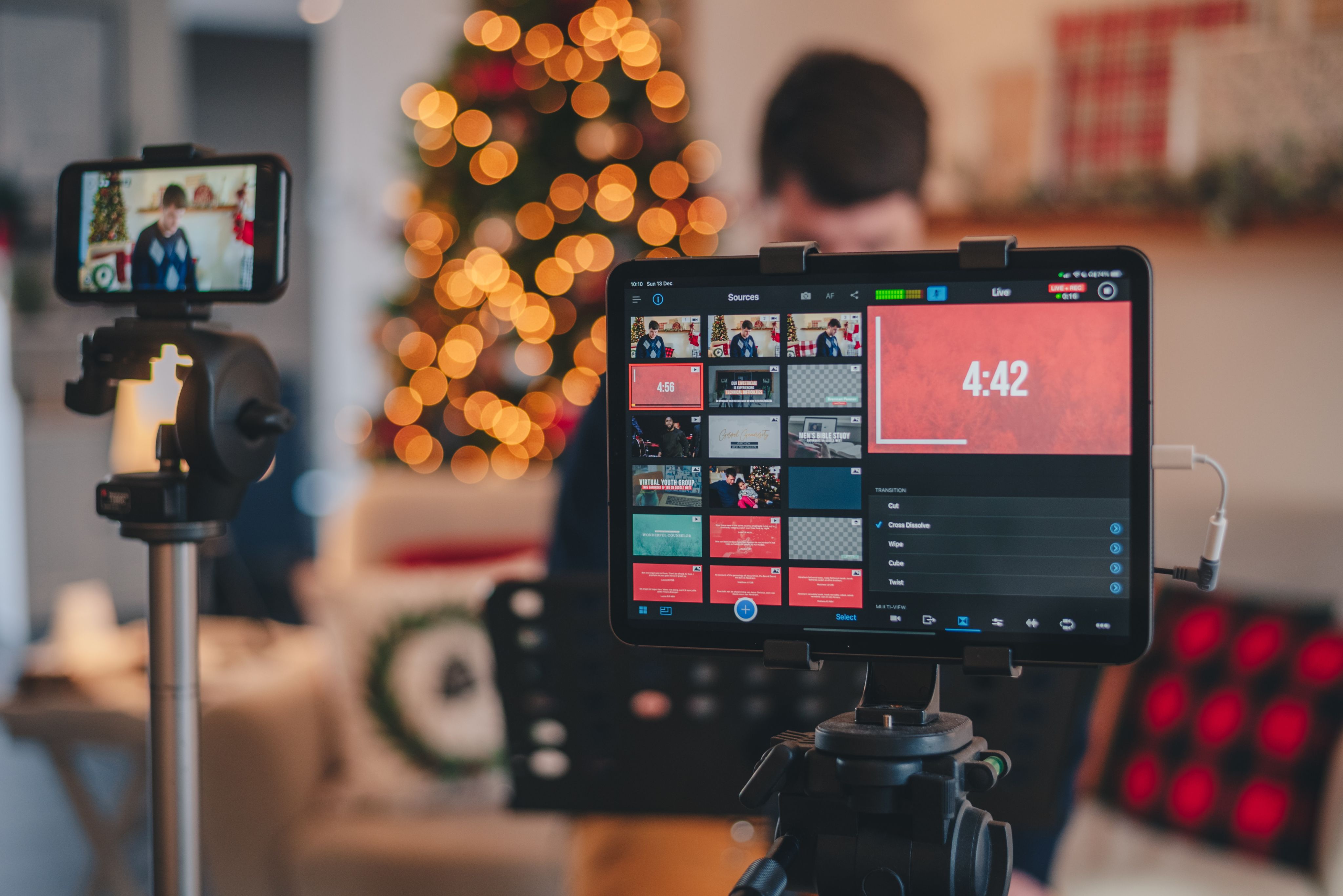
BR: Thinking about broadcast differently is critical. We’ve run two versions of streams, one being the typical offering, the other far more suited to the neurodivergent – no background music, a dark-mode viewing page, removing on-screen information other than the speaker, bigger captions, louder speaker volume, no flashing lights.
There’s nothing inherently wrong with the flash, bang stream. In fact, those aspects have a place in a traditional broadcast, which is why I would advise against only running an accessible stream. Given broadcast technology is so advanced it’s effortless to create that second stream (often it can be done on the same computer), creating two streams would be my recommendation.
At Live Group, we even change the breaks in these streams, removing all information other than a clear instruction to take a break and when to be back. We’ve also started experimenting with making these features modular – for example, allowing all users to remove background music or enter dark mode.
What language you use to describe the streams is also important and should be obvious for viewers. For example, you could use 'Broadcast’ for the main stream, and ‘Accessible/Inclusive/All-abilities Broadcast’ – or even ‘Everyone’s Channel’ for your second.

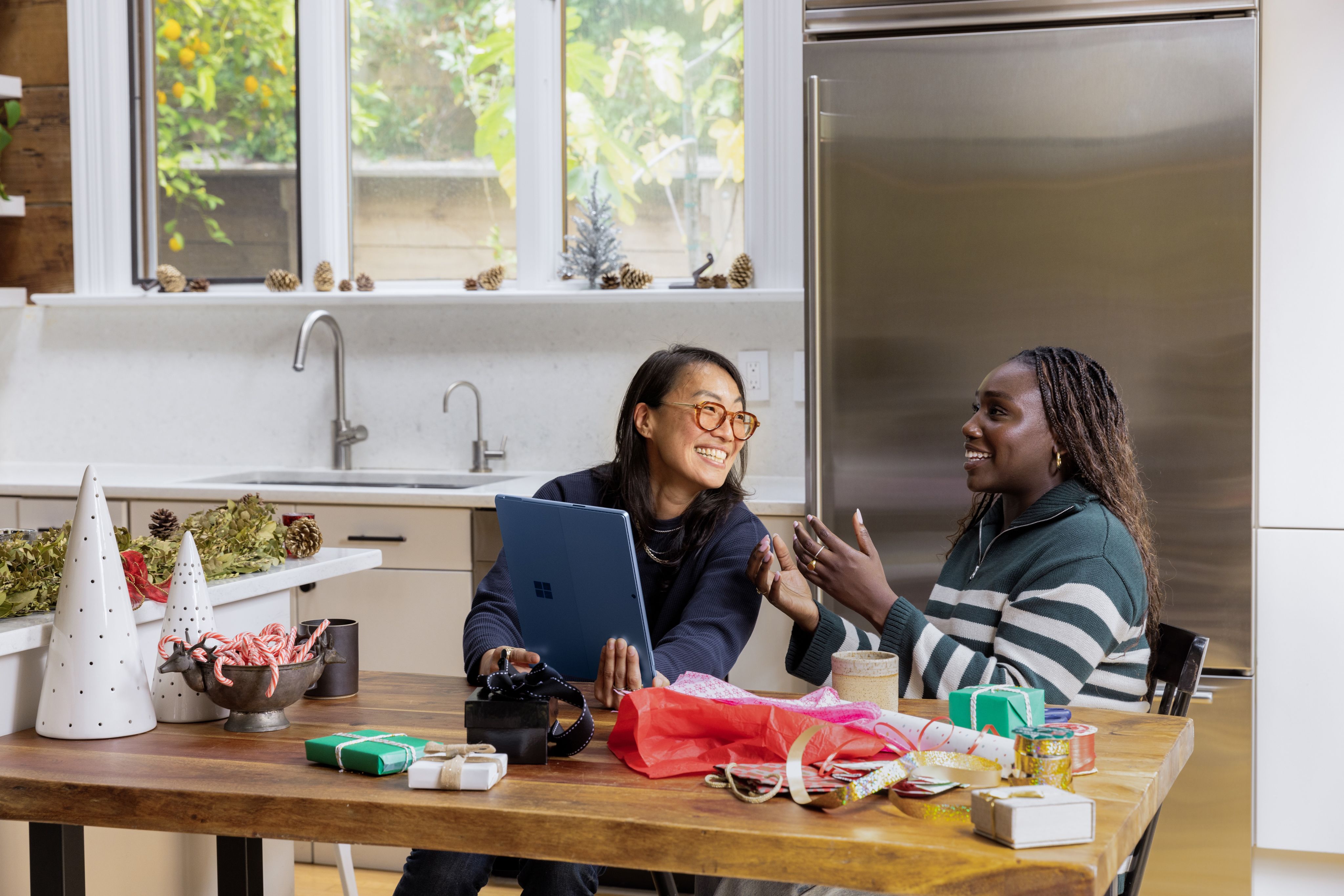
Photo by Joshua Hanson on Unsplash
Photo by Joshua Hanson on Unsplash
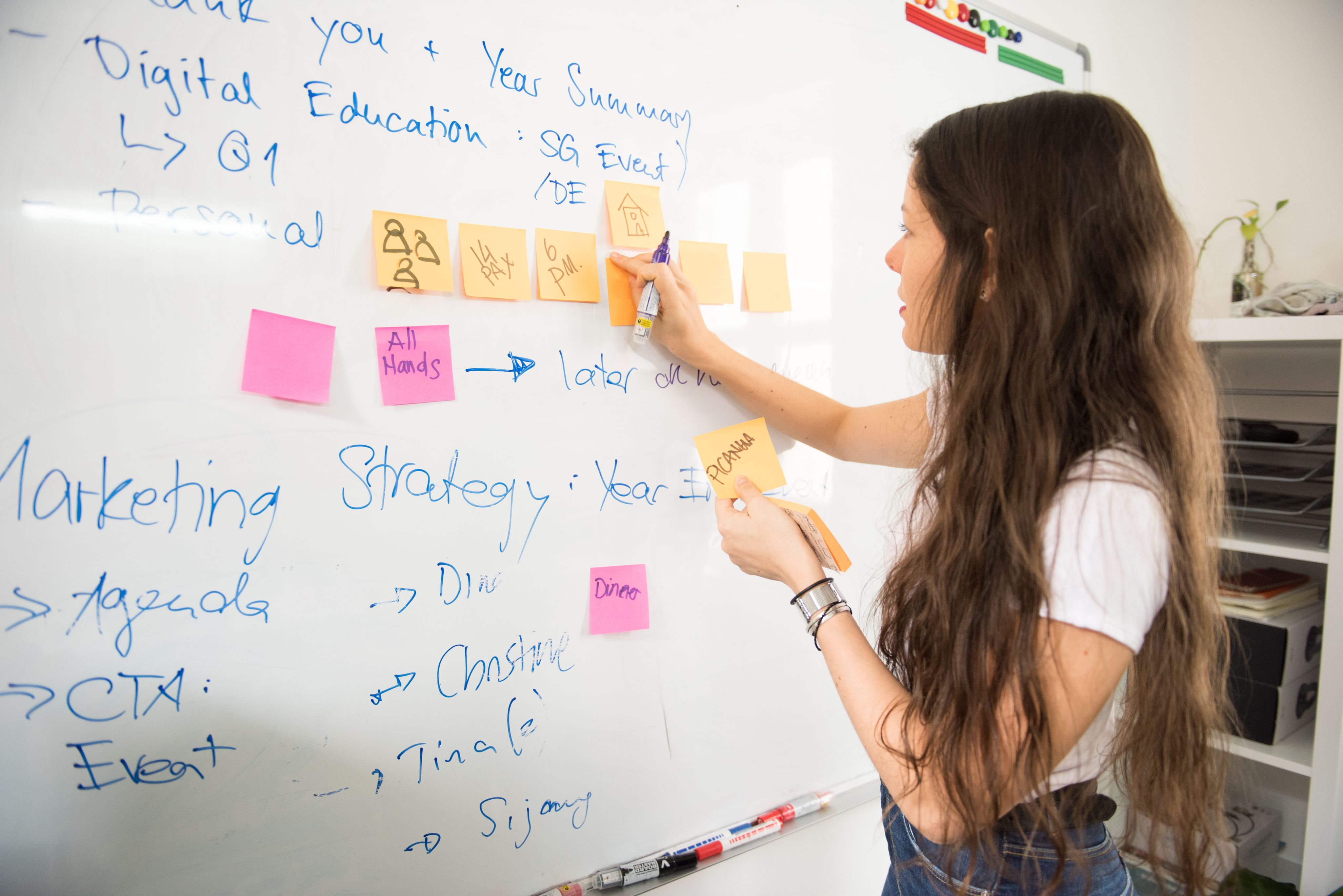
Photo by Alfonso Scarpa on Unsplash
Photo by Alfonso Scarpa on Unsplash
 Built with Shorthand